
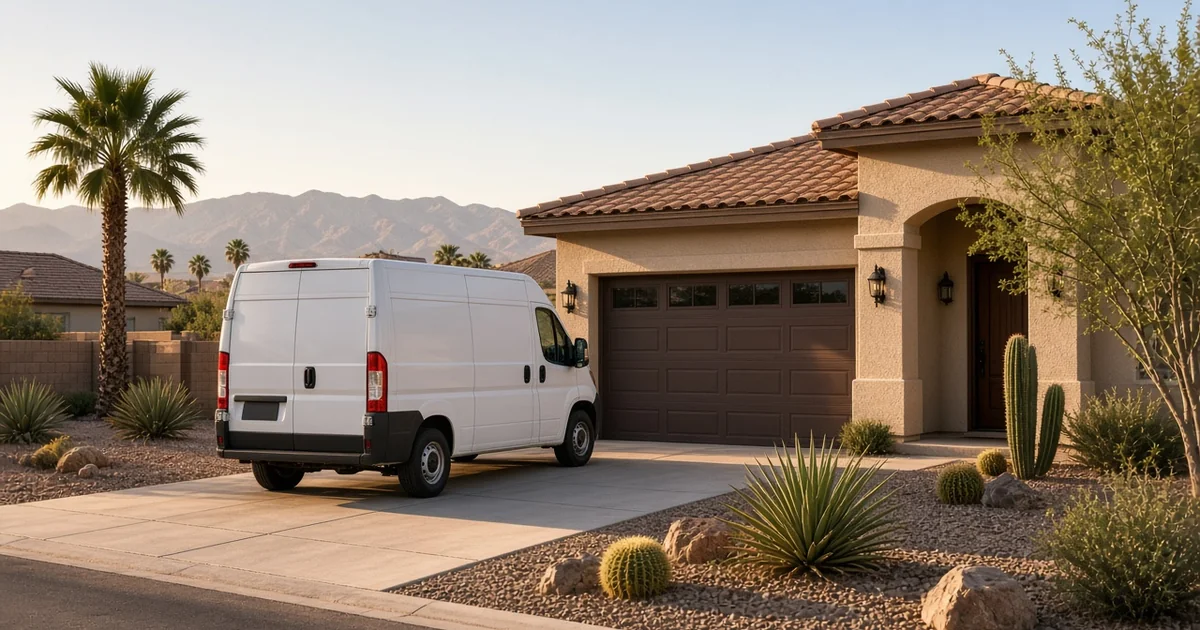
If you go to the customer instead of waiting for the customer to come to you, your Google Business Profile should not be set up like a storefront. A mobile notary working from home, a locksmith on the road, a house cleaner, or a caterer who preps in a kitchen and serves at event venues is usually a service-area business, or a hybrid if people also visit you in person.
Getting this wrong has real consequences. Showing a home address you do not want public, using a mailbox as if it were a shop, or drawing a service area you cannot actually cover can confuse customers and create problems with Google’s guidelines. This guide focuses on how to set up a Google Business Profile for service area businesses the right way, using Google’s own rules.
For the broader ranking basics, see our guide to local SEO for service businesses. The steps below are the service-area details that often get missed.
Service-Area, Storefront, or Hybrid?
Google draws a clear line in its help article on managing service areas:
- Service-area business. You visit or deliver to customers and do not serve them at your business address. Cleaning services and similar trades are Google’s own example. If you do not serve customers at your address, Google says to remove that address from the profile.
- Hybrid business. You serve customers at your address and also visit or deliver to them. A restaurant that also caters can be a hybrid. Hybrid profiles can show the storefront address and a service area.
- Storefront. Customers come to you. Google also notes that if you do not have permanent on-site signage, you are not eligible as a storefront and should be listed as a service-area business.
Google also says a service-area business should have only one profile for the whole area it serves. Do not create a second profile for each city you cover.
A Practical Setup Checklist
1. Claim and verify the profile on a business-controlled login
Use a Google account the business owns, not a personal login that leaves with a former helper. Verification still matters: it helps you manage the profile and reply to reviews. Keep owner access with you, and give an agency or teammate manager access if they need it.
2. Hide the address if customers never come there
This is the step most mobile businesses need. If your “office” is your house, a coworking mailbox, or a kitchen customers are not invited to, do not display that address. Remove it and set a service area instead. Google’s guidelines for representing your business also warn against addresses that do not reflect where the business actually operates, including arrangements that are not a real customer-facing location.
3. Set service areas you can actually cover
Google lets you add up to 20 service areas, based on cities, postal codes, or other areas you serve. You cannot set the area as a radius around the business anymore. Google also says the boundaries of your overall area should not be more than about two hours of driving time from where the business is based, and that you should be as specific and accurate as possible. Changes may take up to 48 hours to show.
For a Las Vegas-based business, that might mean Las Vegas, Henderson, North Las Vegas, and nearby communities you genuinely serve, not a list of distant cities you would not drive to. If a job is regularly outside that range, it should not be on the profile just to appear in more searches.
4. Use your real business name and the right categories
The profile name should match the name on your website, invoices, and vehicle or uniform, not a keyword-stuffed version like “Best Mobile Notary Las Vegas 24/7.” Choose the most specific primary category that describes what the business is, then add only additional categories for services you really offer. Google recommends using as few categories as it takes to describe the core business.
5. List services, hours, and a booking or call path
Add each main service with a short, plain description. Set hours that match when someone can actually reach you or book you. If you offer limited after-hours work, say so clearly rather than listing 24/7 unless that is true. Point the website link to a page that loads well on a phone and makes it easy to call or book. A dedicated booking page is more useful than a homepage with no next step.
6. Use photos that show the work, not your private address
You can still have a strong profile without showing your house. Upload photos of your vehicle (if it is branded), your team at a job, your equipment, completed work, or food and event setups for a caterer. Avoid photos that reveal a home address you are trying to keep private. Google expects photos to represent the real business.
7. Keep reviews coming and reply to them
Service-area businesses often rely even more on reviews, because a customer cannot “drive by” and judge the location. Ask every customer for an honest review after the job, use Google’s official review link or QR code, and reply to the reviews you receive. Do not offer incentives for reviews or only ask happy customers. Those practices go against Google’s review policies.
Name, Phone, and Website Consistency Without a Public Address
Even if the street address is hidden on Google, your business name and phone number should match your website, invoices, and other listings. Use the same local phone number everywhere, and make sure it is a number you actually answer or cover with text-back or an AI receptionist.
On your website, you can describe the service area in words (“serving Las Vegas, Henderson, and North Las Vegas”) without publishing a home address. That keeps the public information consistent with the profile. If you later open a true storefront with permanent signage, you can add the address and switch to a hybrid or storefront setup.
Examples for Common Mobile Businesses
Mobile notaries
Remove a home address, set the cities or postal codes you travel to, and list services such as general notarization, loan signings, and hospital or after-hours visits if you truly offer them. A booking link helps customers who are planning ahead.
Locksmiths
If you do not have a customer-facing shop, set the profile as a service-area business and keep hours honest. Emergency work should be easy to start with a tap-to-call button. If you also have a visible shop, a hybrid profile may be the better fit.
Cleaners and mobile stylists or PMU artists who travel
Define the area you actually drive, and create service listings for each type of visit. If you also see clients in a studio with permanent signage, that location can be shown and the travel work can be the service area.
Caterers
If customers come to you for tastings, you may be hybrid: show the tasting address if it is a real customer-facing location, and set service areas for event delivery. If all tastings are at the client’s venue or by video, a service-area profile is likely the better match.
Your website should back this up with clear service pages and the same coverage area. You can see examples in our website portfolio, and we also handle this work as part of our local SEO and Google Business Profile services.
Mistakes That Cause Trouble
- Creating one profile per suburb you serve.
- Showing a P.O. box, virtual office, or home address as if it were a shop.
- Claiming a huge service area you cannot cover in about a two-hour drive.
- Adding keywords or city names that are not part of your real business name.
- Listing 24/7 hours you do not actually staff.
- Letting your phone number or business name differ from the website and directories.
Frequently Asked Questions
Should a service-area business show its address on Google?
Not if you do not serve customers at that address. Google says to remove the address and set a service area instead. Hybrid businesses that also serve customers on site can show both.
How many service areas can I add?
Google allows up to 20 service areas, set by city, postal code, or another area you serve. The overall area should stay within about two hours of driving time from where the business is based, and it should match the work you really take.
Can I make a second Google profile for a nearby city?
Not for the same service-area business. Google says service-area businesses can only have one profile for the whole area they serve. A second profile is for a second real location, not a marketing shortcut.
Will hiding my address hurt my visibility?
Hiding an address you do not serve customers at is what Google asks you to do. Visibility still depends on relevance, distance, and prominence, including complete information and reviews. A clean, accurate service-area profile is stronger than a storefront setup that does not match how you work. Google explains those local ranking factors in its tips to improve local ranking.
Set the Profile to Match How You Really Work
Your Google Business Profile should describe the business a customer will actually get: the right area, the right services, and a way to book or call. If you want help cleaning up a service-area profile and the website that supports it, book a time with Pro AI Marketers or call (702) 830-4685.